
Phones and computers
Choosing A Windows VPN For Your PC
For a personal Windows PC, Proton Free suits uncapped use if you don’t need a UK server. Windscribe Free is a better fit for occasional use with a UK IP address. Both offer native ARM64 software for Snapdragon PCs. On a work laptop, ask IT for the approved VPN or profile before installing anything.
Check The Installer And S Mode
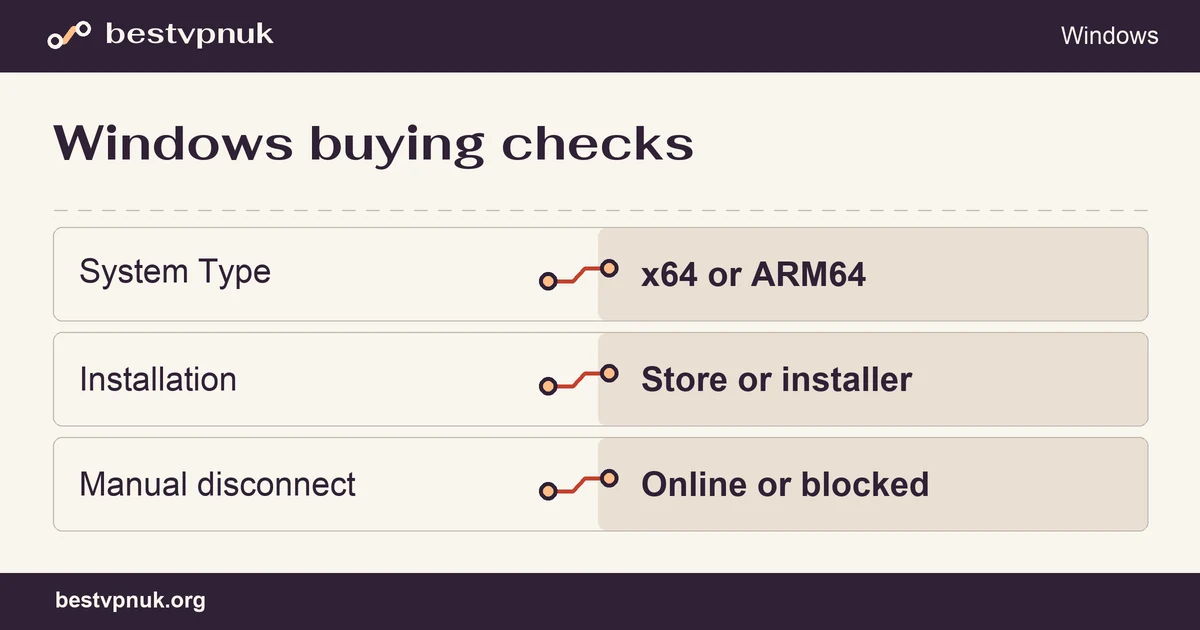
On the PC, press the Windows key and R, type msinfo32, then look at System Type. Choose the ARM64 installer for an ARM64-based PC and x64 for an x64-based PC. A Surface laptop can use either architecture depending on the model. Proton’s Windows download page covers both installers, and Windscribe publishes its own ARM64 build.
If the machine uses Windows 11 in S mode, it only installs apps from the Microsoft Store. Look for the provider’s official listing and confirm its publisher. Microsoft says leaving S mode is one-way. On a shared family laptop, weigh that change before buying a plan that depends on a downloaded installer.
Find a Windows plan by UK location and device count
- System Type
- x64 or ARM64
- Installation
- Store or installer
- Manual disconnect
- Online or blocked
Separate A Work Login From A Personal Subscription
A client’s internal files and your own hotel browsing call for different services. The work laptop needs the employer’s approved VPN, server address and sign-in method. Windows can store a connection profile, but the profile needs a real service behind it. Microsoft’s connection guide describes both work and personal profiles.
On the personal machine, Windscribe includes UK locations and allows 10 GB a month if you confirm your email address and stay subscribed to promotional emails. Proton Free offers unlimited data but its automatic free locations exclude the UK. A paid subscription is unnecessary if one of those plans fits how you use the PC.
Decide Whether The PC Should Work While Disconnected
Proton’s Windows kill-switch comparison spells out the difference. Its standard setting protects against unexpected dropouts. Its advanced setting also blocks traffic following a manual disconnect and persists across restarts. For a shared PC where someone occasionally chooses ordinary broadband, that distinction can explain an apparently broken connection.
While signed in, note the setting, connect, then disconnect deliberately and open a fresh page. Compare the result with the behaviour you chose. Proton also warns that after a password change or some Windows updates, signing in to a Microsoft account can require internet access. Read its advice about a local backup account before turning the advanced setting on.
Your Next Step
Check the Windows installer for your PC.
Provider links are unpaid. How we compare VPNs.