
Performance and privacy
When Do You Need A VPN Kill Switch?
Choose a standard kill switch if you want the VPN app to stop traffic after an unexpected drop but let you disconnect intentionally. Choose a persistent mode if the computer should stay offline whenever the VPN is off, including after a restart. Check the setting on the operating system you intend to use.
Decide Which Interruption Matters
Suppose you move your laptop between home Wi-Fi and your phone’s hotspot during a video call. A VPN app may have to rebuild its connection. A standard kill switch is intended to block ordinary internet access if the tunnel drops unexpectedly. Clicking Disconnect yourself can produce a different result. If you routinely turn the VPN off for one task, read how the provider treats deliberate disconnection.
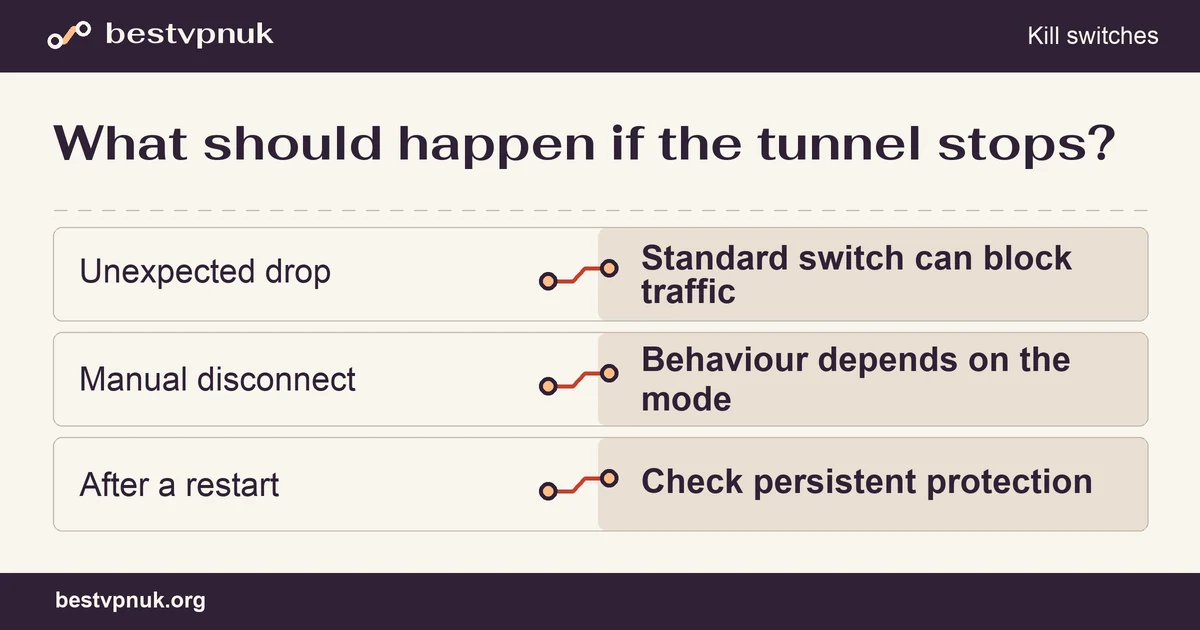
- Unexpected drop
- Standard switch can block traffic
- Manual disconnect
- Behaviour depends on the mode
- After a restart
- Check persistent protection
Check The Mode On Your Operating System
On Windows, Proton’s standard switch blocks traffic after a lost VPN connection. Its advanced mode also blocks internet access after you deliberately disconnect and stays active after a restart. Proton lets Windows users combine either mode with split tunnelling. On most other platforms, it says the two features cannot be used together. Proton’s kill-switch guide by operating system.
Mullvad’s desktop app includes a built-in kill switch. If you also want traffic blocked after clicking Disconnect or quitting the app, switch on its optional Lockdown mode. On a shared computer, make sure the next person knows why the browser is offline and how to reconnect. Mullvad’s desktop kill switch and Lockdown mode.
On Android, Proton uses the phone’s always-on VPN and block-without-VPN settings. On macOS, Proton documents limitations during server changes and for some Apple DNS requests. If your apps need different rules, check which apps can use a separate connection.
Try It Before You Commit To A Longer Term
Save your work and try an ordinary, non-sensitive page while changing between home Wi-Fi and your phone’s hotspot. Request a fresh page to see whether the browser pauses and recovers. Then click Disconnect intentionally. A standard Proton switch on Windows should let the browser continue after that deliberate action.
If you need persistent protection, restart the machine with that mode enabled. If the VPN reconnects automatically before you can try a fresh page, disconnect it deliberately and check that the page stays blocked. Reconnect and try it again. These checks show how the apps you use behave during interruptions. They cannot establish what every background process sent. On an employer-managed device, ask IT which settings its remote-access service requires.
Your Next Step
Read the kill switch rules for your platform.
Provider links are unpaid. How we compare VPNs.