
Performance and privacy
Which Apps Should Use Split Tunnelling?
If you want just one browser to use a UK server, a browser extension may cover the job for free. If you want several apps to use the VPN while one stays on your usual broadband, look for an app that supports split tunnelling on your operating system.
Draw Two Routes Before You Change A Setting
On a personal Windows laptop, you might want one browser to use a VPN while a video meeting uses your normal connection. An inclusion rule sends the chosen browser through the VPN. With an exclusion rule, the VPN covers the device by default and the meeting app uses your usual connection. A new app you install later follows the default route, so these choices have different long-term effects.
See when a browser extension alone will do.
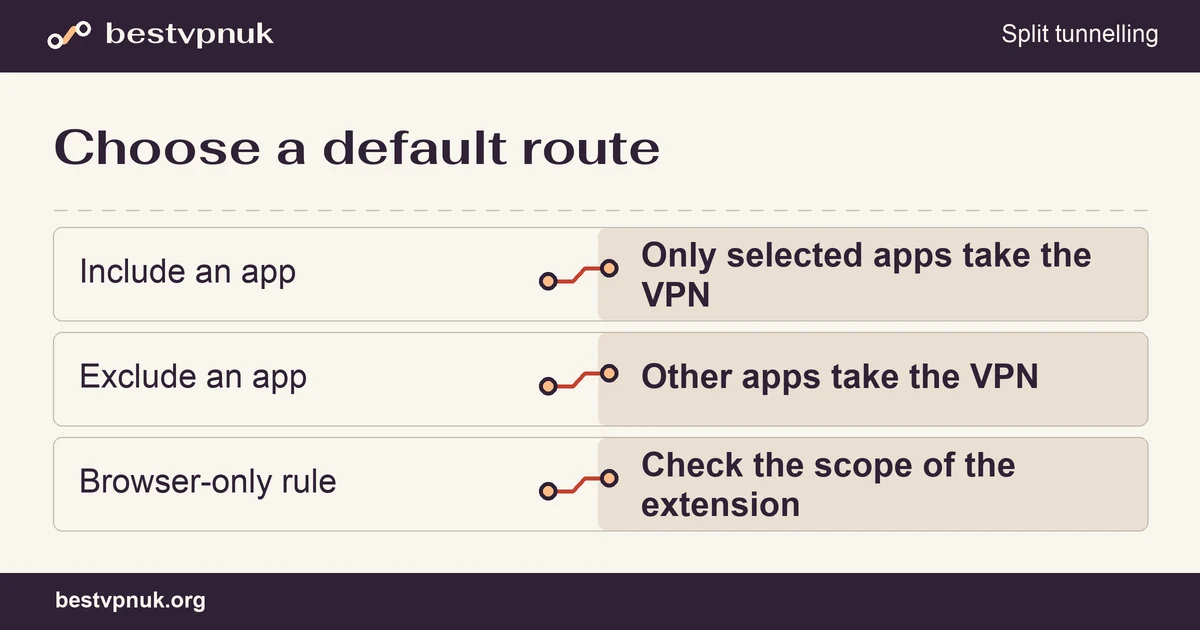
- Include an app
- Only selected apps take the VPN
- Exclude an app
- Other apps take the VPN
- Browser-only rule
- Check the scope of the extension
Check The Platform And The Plan
Proton includes split tunnelling on its paid plans. On Windows you can include or exclude individual apps. On a Mac the feature is experimental and lets you exclude apps, but Proton warns that excluding Safari is unreliable. If keeping Safari on your normal connection is essential, that is a reason to rule out this paid feature. For a list of websites in Chrome or Firefox, the extension offers a separate, browser-level option. Check Proton’s options for each operating system.
A kill switch blocks traffic if the VPN drops. Proton supports using it alongside split tunnelling on Windows. Check compatibility for the device you own before paying for both features. Read Proton’s kill-switch guidance.
Decide whether your browser or your whole device needs a VPN
Test Each App Separately
Use two different browsers for a simple check on your own device. Include one in the VPN and leave the other on the normal route, then compare the public IP each reports. Choose a known UK server for the included browser. Two UK locations can look identical at country level, so compare the addresses too. Close and reopen the apps after a settings change where the provider requires it.
That result establishes the route for those browsers. A streamed programme played in a separate TV app or a meeting opened in a desktop client creates its own connections. If you want every personal app to travel together, the simpler whole-device setting may already do what you need.
Your Next Step
Compare the paid split-tunnelling options.
Provider links are unpaid. How we compare VPNs.