
Phones and computers
Which VPN Fits Your Mac And macOS Version?
On macOS Sonoma 14, start with Proton Free if you want a current desktop app and can accept an automatically assigned location. On Sequoia 15 or later, Mullvad is another option if you want a paid plan you can buy one month at a time. If Safari must stay on your usual broadband while other apps use the VPN, check the exceptions before paying.
Match The Subscription To The Mac You Own
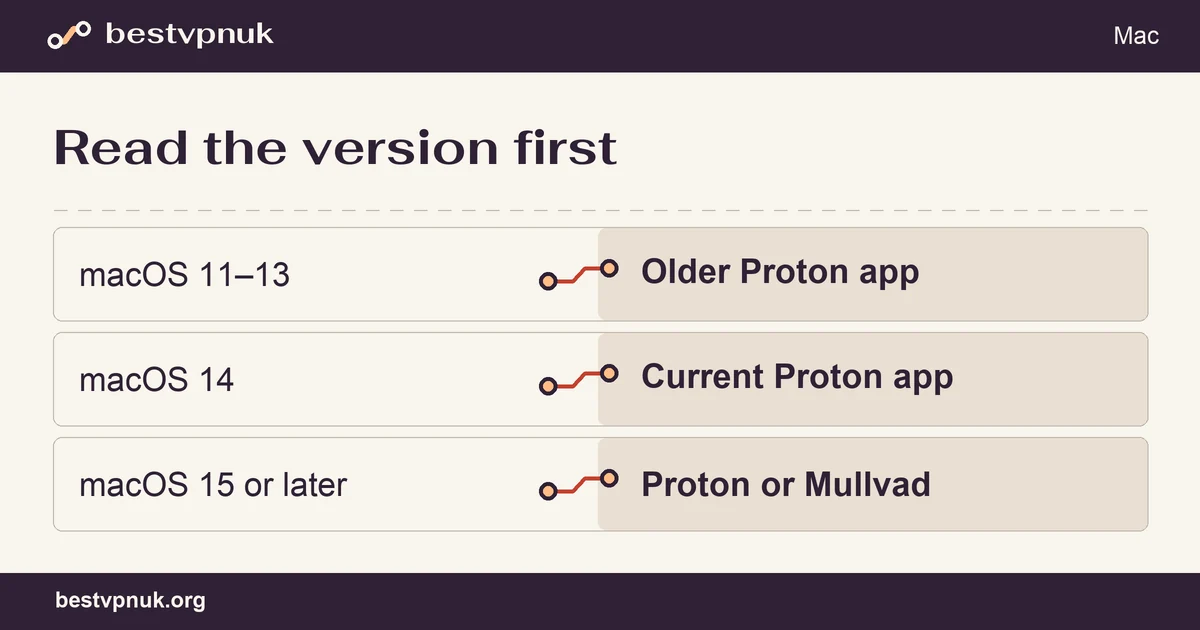
Open the Apple menu and choose About This Mac to see your macOS version. The Proton Mac compatibility guide specifies macOS 14 and later for the current app. It provides separate older versions for Big Sur 11, Monterey 12 and Ventura 13. If you use an older release, consult that version’s documentation before relying on a feature in the current guide.
Mullvad’s Mac download lists macOS 15 or later for its current app. Its page also points to WireGuard configuration files for people who cannot use the Mullvad app. You would manage that connection in a separate app. Mullvad charges €5 for a month bought directly from its website. This is a euro price, so the sterling charge can vary. Proton’s free tier has no data cap and omits the UK from its free locations.
Check how many Macs, phones and other devices one plan covers
- macOS 11–13
- Older Proton app
- macOS 14
- Current Proton app
- macOS 15 or later
- Proton or Mullvad
Which Traffic Needs A Different Route?
Consider a self-employed photographer in Glasgow who uses Safari to deal with suppliers and a separate desktop app to upload photos. If the concern is Safari browsing, iCloud Private Relay may already be included in the photographer’s iCloud+ subscription. For the upload app as well, compare a Mac VPN that covers other applications.
Now suppose one supplier needs Safari to keep the ordinary broadband address while other apps use a VPN. Mullvad cannot exclude Safari or other apps built on WebKit. Paying for Proton does not solve this particular problem either. Proton describes its Mac app exclusions as experimental and flags the same WebKit limitation. If your supplier supports another browser, you could use a supported browser for that task and check its route separately.
Verify Both Sides Of An Exception
Choose the browser or desktop app you expect to use each route. For two browsers, open the same public-IP checker in both after configuring an exception. For a file-transfer app, send a small file to your own storage. A successful upload establishes usability; the service’s access log, if it shows the source IP, can confirm which connection it used. Repeat once after the Mac wakes from sleep. A successful Safari page load tells you little about whether a large upload will behave the way you need.
Your Next Step
Check Proton’s macOS requirements.
Provider links are unpaid. How we compare VPNs.