
Performance and privacy
WireGuard Or OpenVPN For Your Setup?
If you have an older router that only supports OpenVPN, Proton publishes configurations for compatible models. Mullvad now requires WireGuard. On a phone or laptop with a current VPN app, start with its automatic setting where available. Change protocol when you have a particular problem to solve, such as a slow upload on your home broadband.
Start With The Device That Makes The Connection
Imagine keeping the router supplied with your broadband and installing a VPN on a laptop. The laptop makes the VPN connection, so the router does not need a WireGuard menu. Move the connection to a second router to cover a television, however, and its client software matters. Check the exact model and hardware revision against the manufacturer’s documentation. A VPN server setting for connecting home from outside describes the opposite direction.
See buying a compatible router for a UK broadband line.
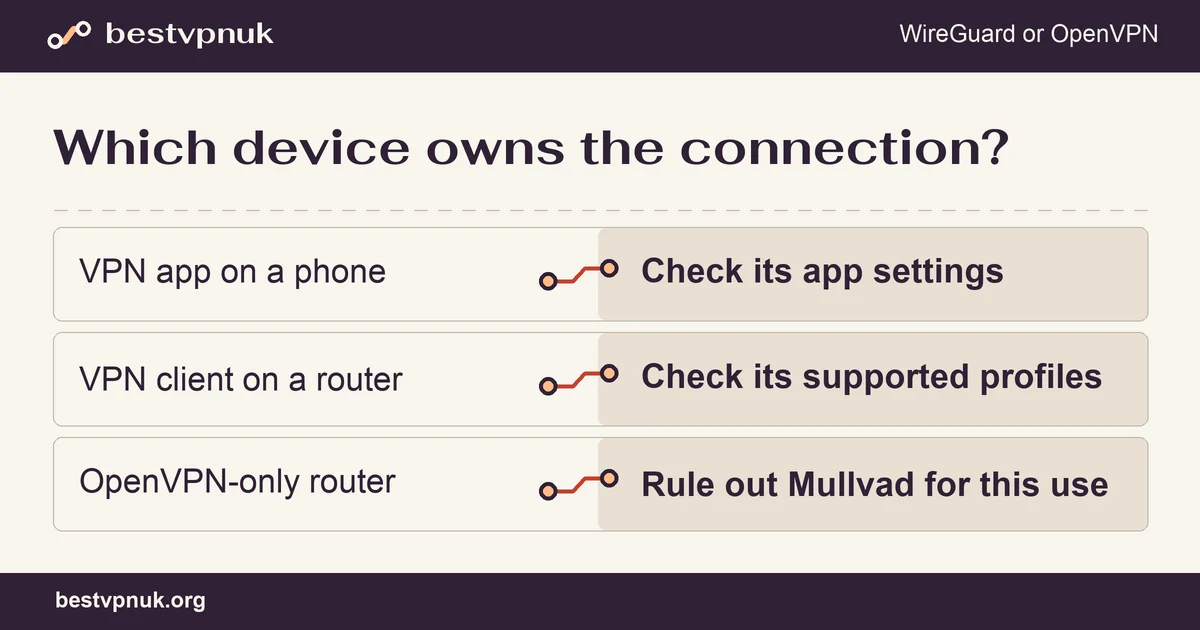
- VPN app on a phone
- Check its app settings
- VPN client on a router
- Check its supported profiles
- OpenVPN-only router
- Rule out Mullvad for this use
Check What The Provider Still Supports
Mullvad withdrew OpenVPN on 15 January 2026. An old guide may still describe it. If you want to keep an OpenVPN-only router, Proton publishes OpenVPN instructions for supported models, including some AsusWRT routers. Check your exact model and use a fresh configuration. Proton retired manual profiles downloaded before September 2023. Mullvad’s OpenVPN withdrawal · Proton’s supported router configurations · Proton’s notice on older profiles.
Your subscription may have different protocol choices in the provider’s app and on a router. Proton publishes a table for its apps and offers Smart Protocol on supported platforms. If the device in question is a laptop, check the operating-system column first. Which protocols Proton’s apps support.
Compare Both On Your Own Broadband
If both protocols work, hold the device, UK exit city and test destination steady. Compare a few runs with each at the time you normally connect. A large download depends on throughput. For a video call, look for stable audio and latency as well. A change of city also changes the route, which makes it harder to tell what the protocol contributed.
Suppose WireGuard completes an upload well within your deadline on the laptop, but the router only offers OpenVPN. If the router can also complete the job in time, keeping the existing hardware may be the better buy. If you only need the VPN on that laptop, run the provider’s app there before pricing a replacement router. Compare speed and ping on your broadband.
Your Next Step
Check whether Proton supports your router and protocol.
Provider links are unpaid. How we compare VPNs.