
TV and broadband
Choosing A VPN Router For UK Broadband
If you need VPN coverage for one television or console, check the router you already own for an OpenVPN or WireGuard client. Proton supports compatible routers even on its free plan. Before replacing a UK broadband hub, check the exact model and any digital landline attached to it.
Keep The Broadband Features You Rely On
Sky’s Internet Calls guide says that the service requires its supplied compatible hub. If your home phone uses that service, keep the Sky hub in place. For a separate VPN network, connect a LAN port on the Sky hub to the new router’s WAN port and use a distinct Wi-Fi name on the new router. Other devices can stay on Sky’s Wi-Fi.
Virgin Media documents modem mode for its Hub 3, 4 and 5, and says it is unavailable on the Hub 5x. Check the model label before planning a replacement. Modem mode hands router duties to your own equipment. If you only want a VPN on one smart TV, consider the second-router option before changing the whole household’s Wi-Fi.
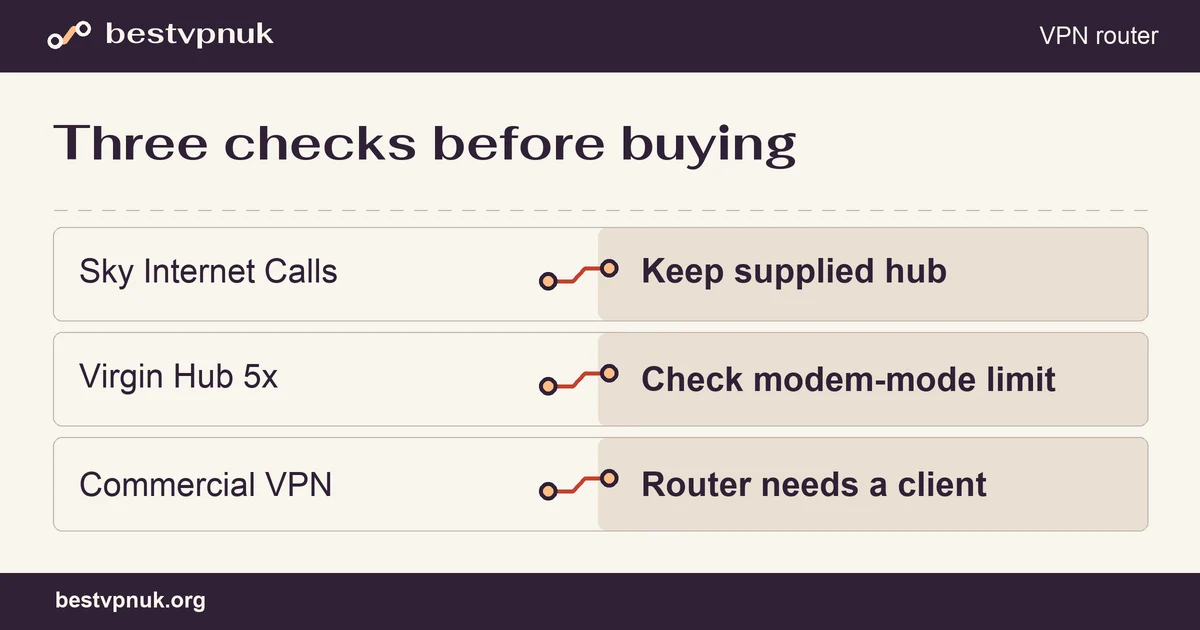
- Sky Internet Calls
- Keep supplied hub
- Virgin Hub 5x
- Check modem-mode limit
- Commercial VPN
- Router needs a client
Buy A VPN Client That Matches Your Provider
A VPN server feature lets a remote device reach your home network. To send a home TV’s traffic out through a commercial VPN, you need the client feature. TP-Link lists the Archer AX55 V1 in its UK VPN client guide. It describes importing an OpenVPN profile, enabling it and choosing which devices use it. Check the hardware revision on the box and confirm your VPN subscription supplies the configuration file and credentials.
For a small second network, the GL.iNet Beryl AX (GL-MT3000) supports OpenVPN and WireGuard clients. The service matters as much as the hardware. Proton Free supports router configurations and counts the router as one connection. Windscribe requires Pro or Build-A-Plan to download router configurations. Its free phone app’s UK location does not carry over to a free router setup.
See WireGuard and OpenVPN router compatibility.
See how a router affects your household’s VPN connection count
Test One Device And Preserve An Ordinary Route
For example, put the lounge TV on the new network and leave the work laptop on the original Wi-Fi. Check the router’s VPN status and device list. Temporarily put a phone on the VPN network or add it to the routing rule. Compare its public IP with the address you see over ordinary home Wi-Fi. Return to the TV and check normal playback. If the household uses a broadband landline, make a call as well. This checks the VPN route, ordinary broadband and the phone service independently.
Your Next Step
Check Proton’s router support before buying hardware.
Provider links are unpaid. How we compare VPNs.