
Phones and computers
Choosing An Android VPN For A Pixel Or Samsung Galaxy
On a Pixel 7 or later, try the included VPN by Google for everyday use if your account is eligible. On a Samsung Galaxy, or if you need to choose a UK server on either phone, start with Windscribe Free. It offers 2 GB a month, rising to 10 GB if you confirm your email address and stay subscribed to promotional emails.
Does Your Phone Already Include A VPN?
Google includes its VPN at no extra charge on Pixel 7 and later phones and the Pixel Tablet in supported countries, including the UK. Some supervised accounts, including some children’s accounts, are ineligible. A company can also restrict access for staff using a Google Workspace account. The built-in service keeps you in your region and does not let you pick a different country. On a Pixel, open Settings, Network and Internet, VPN, then VPN by Google. Google lists the supported accounts, countries and device settings in its Pixel VPN guide.
A Galaxy owner should compare Android apps directly. Windscribe Free lists UK servers and has a monthly allowance shared by all your devices. If you want uncapped data and do not mind an automatically chosen location, Proton Free offers a different trade-off. The UK is outside its free server list, so it will not meet a requirement for a British IP address.
Count the phones and other devices using one account
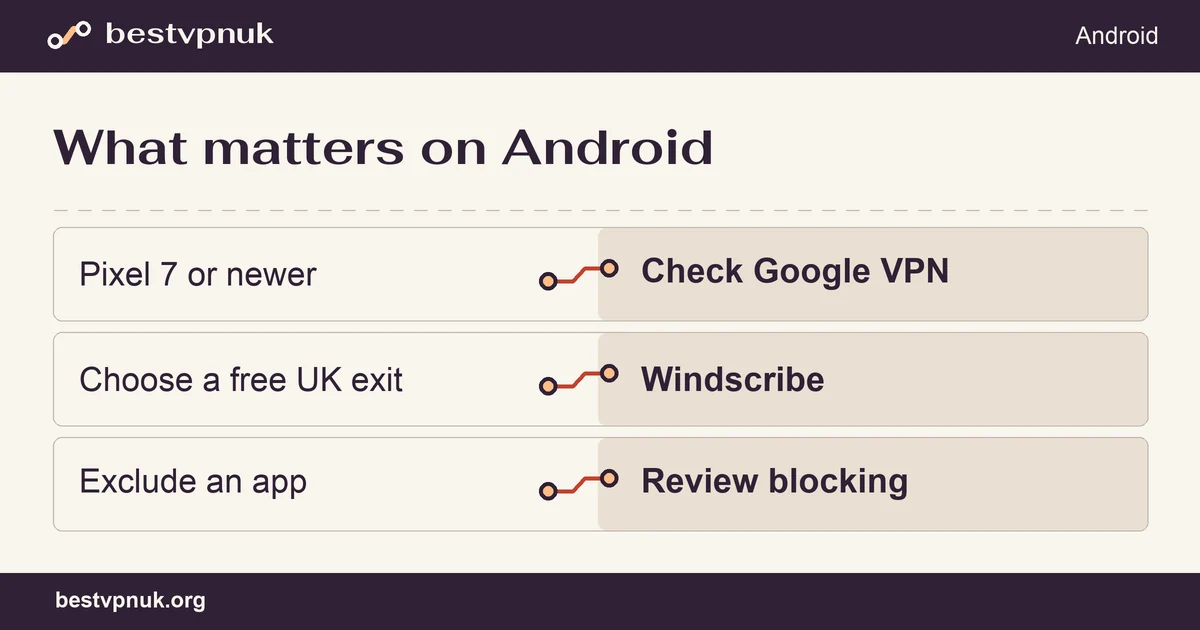
- Pixel 7 or newer
- Check Google VPN
- Choose a free UK exit
- Windscribe
- Exclude an app
- Review blocking
Decide What Happens To An Excluded App
If an app from your mobile network needs the ordinary connection, you can keep the other apps behind the VPN. On a Pixel, Google lets you choose apps to exclude and may suggest apps associated with your mobile network. Another option is Mullvad’s Android split tunnelling. Its guide flags a catch: Android’s “Block connections without VPN” setting also blocks the excluded app’s internet access.
If you want the app to use your usual connection, try the exception while keeping a second app inside the VPN. If a connection must always use the VPN, leave the app covered and accept that it may go offline when the VPN does.
Try A Network Change Before You Pay
Start on home Wi-Fi, check the VPN’s connection indicator and use the app that matters. Switch off Wi-Fi, wait for mobile data, then repeat. If you plan to use exceptions, check an excluded app and a covered one separately. Android’s VPN settings guide shows where to review connection status; menu names can vary by handset. A phone that already gives you the behaviour you want needs no extra subscription.
Your Next Step
Check the UK location and allowance on Windscribe Free.
Provider links are unpaid. How we compare VPNs.