
Phones and computers
Which VPN Should You Use On An iPhone In The UK?
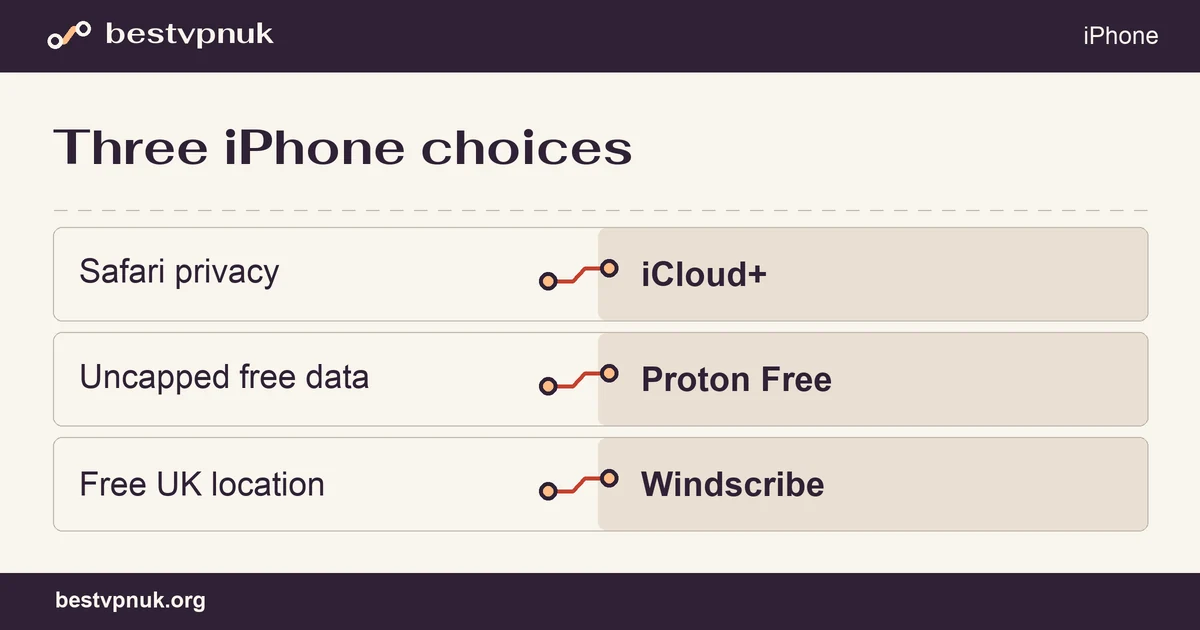
If you already pay for iCloud+ and mainly want more privacy in Safari, turn on Private Relay first. For coverage across your iPhone apps, choose Windscribe Free if you need a UK IP address, or Proton Free if unlimited data matters more than choosing the country.
Check What Your iCloud Subscription Already Covers
Apple’s UK 50 GB iCloud+ plan costs £0.99 a month. The allowance is for storing photos, backups and files. Private Relay is included, and using it does not consume those 50 GB. On an iPhone with iOS 15 or later, open Settings, tap your name, then iCloud and Private Relay. You can retain your general location or select a broader location within your country and time zone.
Private Relay covers Safari browsing and unencrypted internet traffic. It doesn’t give every app on the phone a VPN connection. If the aim is to conceal Safari browsing on the train, it may be all you need. If you also want your mail app’s connection to go through a VPN provider, choose its iPhone app. See Apple’s explanation of what Private Relay covers, UK iCloud+ prices and how Private Relay works on a Mac.
- Safari privacy
- iCloud+
- Uncapped free data
- Proton Free
- Free UK location
- Windscribe
Decide Whether You Need A UK Address
Suppose you use a shop’s app on your commute and want it to see a UK connection. Windscribe Free includes UK locations and gives you 2 GB a month, rising to 10 GB if you confirm your email address and stay subscribed to promotional emails. The UK App Store listing requires iOS 15 or later. Try a normal week’s browsing and check how much data remains before paying for more.
Proton Free has no monthly data cap and automatically picks a free location. Its list excludes the UK. That trade-off works if you use a lot of mobile data and don’t need sites to see a British IP address. The current Proton iPhone app requires iOS 17 or later.
Check Safari And The App You Actually Use
Read the country in the VPN app, then check the public IP in your regular browser. If you are also testing Private Relay, keep track of which service is active before interpreting the address. Send mail or refresh the app you actually want to use. A successful refresh confirms the app works. To verify the route for that particular app, use its connection or sign-in history if it shows the source IP. If one site objects to Private Relay, Apple provides controls for individual websites and networks.
Your Next Step
Check Windscribe’s free UK locations and data allowance.
Provider links are unpaid. How we compare VPNs.