
TV and broadband
Which VPN Works On Your Fire TV Stick?
If your stick runs Fire OS 7 or later, or the newer Vega OS, try Proton Free before buying a subscription. It assigns a location automatically. For an older Fire OS 6 stick, ExpressVPN lists a compatible app. If you specifically need to choose a UK server, account for that in the plan as well as checking the hardware.
Find The Operating System On The Stick
On the Fire TV home screen, open Settings, then My Fire TV and About. Read the software version. Some Vega models show only an OS number. If the name is unclear, look up the exact model. Amazon identifies the Fire TV Stick 4K Select as a Vega device. Applying instructions for an Android-based Fire Stick to that model sends you looking for the wrong app. Use Amazon’s model specifications to cross-check a stick you are considering buying.
If the old lounge stick moves to the spare room when you buy a 4K Select, check both entries. Having two sticks on the same Amazon account does not mean they use the same software.
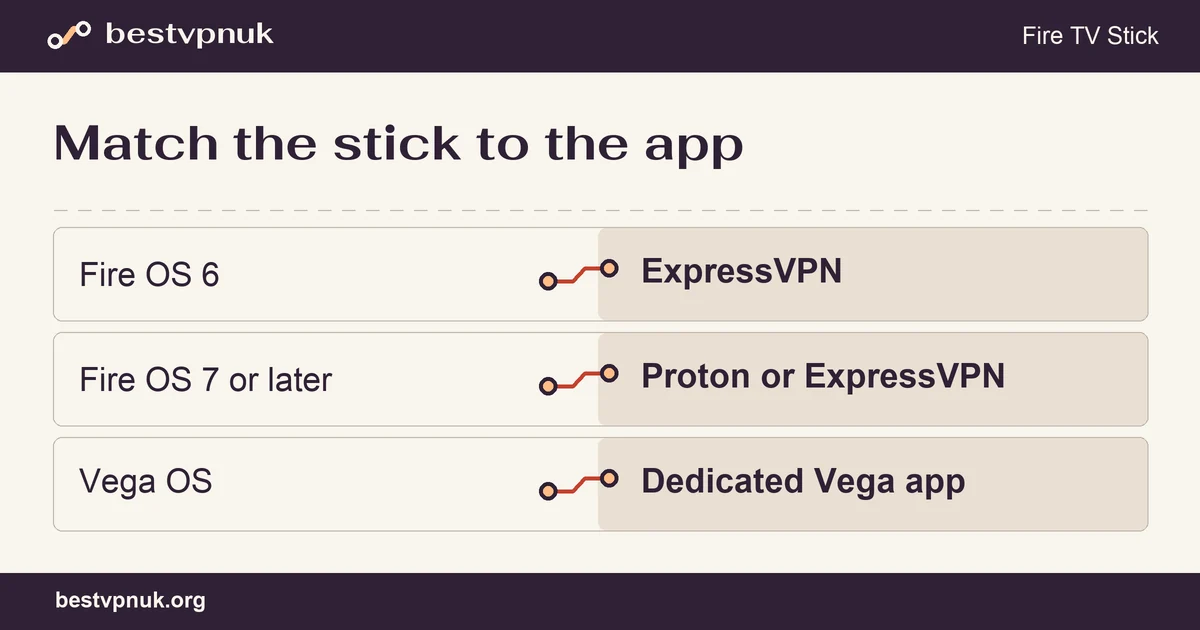
- Fire OS 6
- ExpressVPN
- Fire OS 7 or later
- Proton or ExpressVPN
- Vega OS
- Dedicated Vega app
Compare The Apps Available For That Generation
On Fire OS 7 or later, Proton’s Fire OS guide describes a free connection with automatic server selection. Its separate Vega OS guide offers the same free entry point and lets you sign in using a QR or verification code. Proton reserves its streaming support for paid plans. Its list of free locations excludes the UK. Choose a plan with UK servers if you need the stick to keep a British IP address.
On a stick still running Fire OS 6, ExpressVPN’s compatibility table and setup guide confirm you can install its app. ExpressVPN also has a dedicated Vega app. Search the stick’s own app store while signed in to your UK Amazon account and check the publisher before starting a subscription.
Run The Check On The Right HDMI Input
Open the VPN on the stick, connect and note the status. Return to the stick’s home screen and open the app you normally watch there. The television’s own home screen launches a different set of apps. A VPN installed on the stick changes only the stick’s connection. If a service behaves differently, repeat the same action on the same HDMI input with the VPN disconnected. If normal playback works only while disconnected, check the broadcaster’s rules before paying for a longer term.
Your Next Step
Find the Proton app for your Fire TV.
Provider links are unpaid. How we compare VPNs.