
TV and broadband
Which VPN Can You Use On An Apple TV Box?
For occasional viewing on an Apple TV box with tvOS 17.5 or later, Windscribe Free offers a UK location and a monthly data allowance. If you already pay for Proton VPN, its app works from tvOS 17. The Apple TV app built into another brand’s television cannot install either of these tvOS apps.
Identify The Box Before Choosing A Plan
The simplest check is whether you can open the App Store on the Apple TV box itself. Apple supports app downloads on Apple TV HD and Apple TV 4K. The older box called “Apple TV (3rd generation)” has no App Store. That is a different model from “Apple TV 4K (3rd generation)”. If you are buying second-hand, ask for the model number and compare it with Apple’s illustrated model list. Apple also explains which boxes can download apps.
Read the version under Settings, General, About. If the box is below an app’s minimum, check whether Apple offers a software update before replacing it.
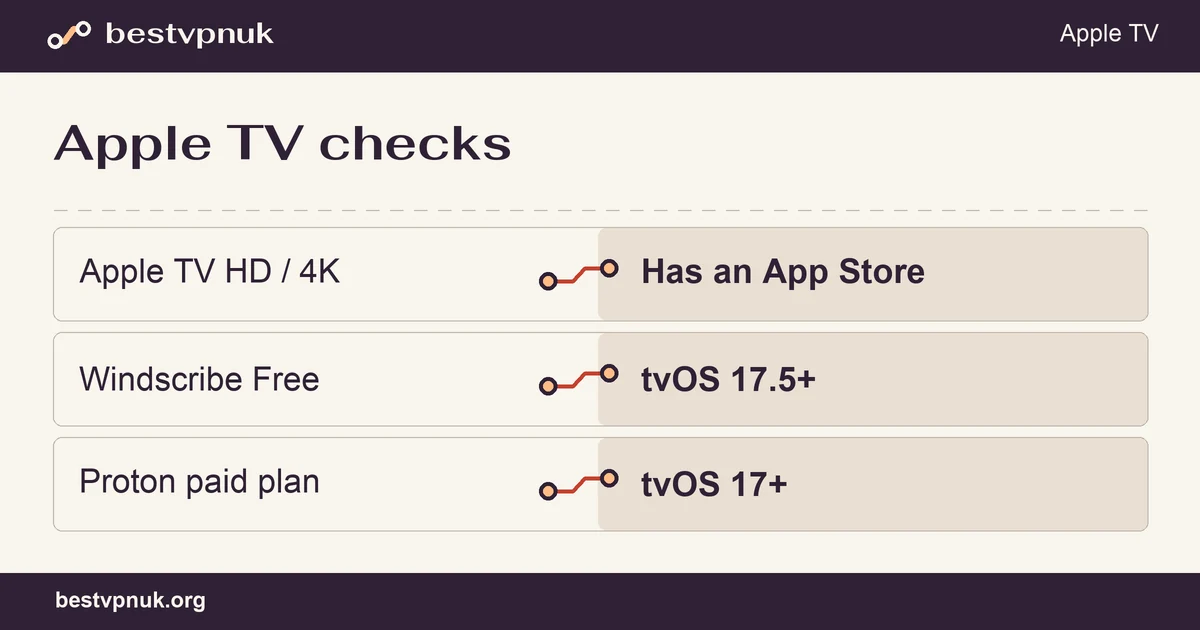
- Apple TV HD / 4K
- Has an App Store
- Windscribe Free
- tvOS 17.5+
- Proton paid plan
- tvOS 17+
Is The Free Allowance Enough For Your Viewing?
Windscribe’s Apple TV app requires tvOS 17.5 or newer. A free account gets 2 GB per month, rising to 10 GB if you confirm your email address and stay subscribed to promotional emails. Its free locations include the UK. The allowance belongs to the account. Watch a typical programme, then check the remaining data before relying on it for several evenings or using the same account on a laptop.
Proton’s tvOS instructions specify a paid Proton VPN subscription and tvOS 17 or later. For a household already paying for an eligible plan for its computers, check that entitlement before buying a second subscription through the TV. A paid Proton connection also lets you hold down a country in the app to see the cities available within it. Your television service still needs its own account where required.
Check Which Device Is Playing The Programme
You might open one programme on the Apple TV 4K and another in an app built into the television. Connect on the Apple box, observe its status, then start playback using the Apple remote. Switching to the television’s own app changes the device making the request. If you only watch through those built-in apps, direct your budget towards a compatible solution for that TV or continue with your usual connection.
Your Next Step
Check Proton’s paid Apple TV app and supported versions.
Provider links are unpaid. How we compare VPNs.