
Locations and households
Which VPN Should You Take When Travelling From The UK?
For one trip abroad, use your existing VPN if it covers the devices and country you need. Otherwise try Proton Free for one active connection when the exit country is unimportant, or Windscribe Free for occasional use of a UK address. Check your UK mobile tariff separately. A VPN still uses your mobile data or Wi-Fi.
Separate Roaming Charges From The VPN Price
For a Manchester-to-Paris trip, check your tariff for France, any fair-use allowance, and whether tethering your laptop counts towards the same allowance. Ofcom says providers must send customers a message explaining roaming charges or usage limits when they enter another country unless they have opted out. Your network may charge for roaming even if the VPN connects to London. Ofcom’s advice on using a UK mobile abroad.
On a ferry, check the network name before switching on mobile data. Ofcom warns that connections at sea may use a ship’s network. Your tariff for France may not cover the ship’s satellite network. Download tickets and maps before boarding.
See prepaying for a single month away.
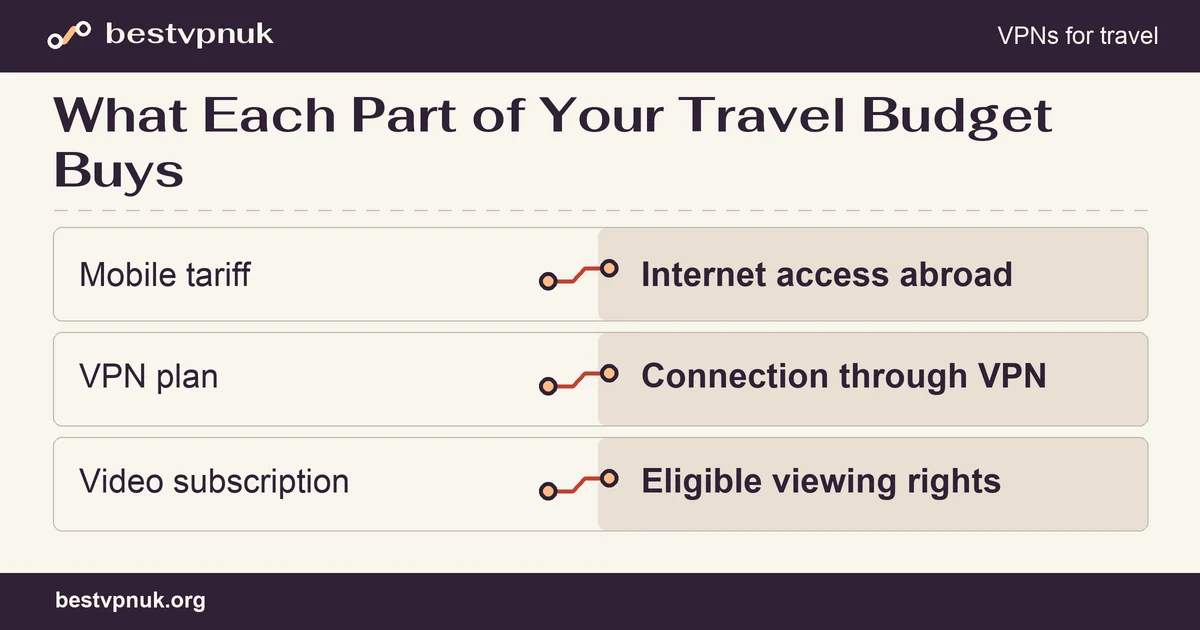
- Mobile tariff
- Internet access abroad
- VPN plan
- Connection through VPN
- Video subscription
- Eligible viewing rights
Price The Trip You Are Actually Taking
Travelling for 16 nights with one iPhone and a laptop? If only one device needs a VPN at a time and you do not require a British exit, Proton Free offers uncapped data on one connection. If you only need a few short sessions from a UK IP, Windscribe includes a free UK exit with a shared monthly allowance. If both devices must use separate VPN connections at once, or you need a UK exit for large files, compare a prepaid month. Proton Free terms · Windscribe’s free locations and allowance.
As a sterling example, the UK App Store lists a 30-day Mullvad purchase at £4.19 and a separate 30-day entry at £4.39. Mullvad confirms that its iOS top-ups are one-off purchases, which suits a 16-night trip. Check which price your purchase screen offers. Mullvad’s direct price is published in euros, so keep those two sales channels separate. Mullvad purchases in the UK App Store · Mullvad direct pricing · Mullvad’s iOS top-up terms.
Prepare On The Devices You Will Carry
Before leaving, test the app on home Wi-Fi and on mobile data. Try the service you need, keep account recovery information available and follow local rules at your destination. For work systems, use your employer’s approved access. For television, check the broadcaster’s travel options separately. A British IP does not extend streaming rights. ITVX Premium, for example, allows eligible mobile downloads made before departure. ITVX’s download rules for travel.
Using Public Wi-Fi During Your Trip
Imagine you need to pay an invoice at a railway station. If mobile coverage is available, use it or tether the laptop to your own phone. The UK government’s Stop! Think Fraud campaign advises using 4G or 5G where possible, verifying a public hotspot’s name with the venue, and avoiding sensitive activity when public Wi-Fi is the only option. HTTPS encrypts the connection to a website. Check you have opened the right site before entering any details. Government guidance on public Wi-Fi.
For a conference agenda or café menu, the decision is different. Ask staff for the network name, check that you have selected it, and avoid providing unrelated personal details on the sign-in page. Join first if the network needs a welcome screen, then check the VPN app’s connection status before using the connection for your planned session.
If your only requirement is occasional browsing on one device, compare the free plans before buying a long subscription.
Your Next Step
Check the UK price of a 30-day block for your trip.
Provider links are unpaid. How we compare VPNs.